

Medisoft Cloud is now available
If you’re a medical billing professional or small practice still running Medisoft on a local server, it might be time to level up. With Medisoft
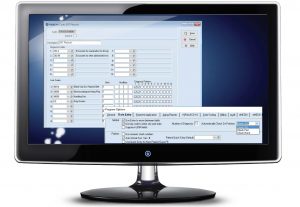
Medisoft 29 is now available
A Must-Have Update for Medical Billing Professionals Medisoft has long been a trusted name for medical billing and practice management, especially among small to mid-sized

Updated Transaction Entry Screen
Updated Insurance Panel The Insurance Code has been added to the front of the Insurance Name in the Insurance Panel of Transaction Entry, enabling you

How to Submit Claims with eMedix in Medisoft
(REQUIRES MEDISOFT 24 OR HIGHER) To process claims in Medisoft & Revenue Management to send to eMedix clearinghouse, follow these instructions: 1. In Medisoft, go

How to setup eMedix for Medisoft when migrating from Change Healthcare
1. In Medisoft, go to Activities, then Revenue Management, then Revenue Management. 2. In Revenue Management, go to Process, then Change Practice. 3. In the
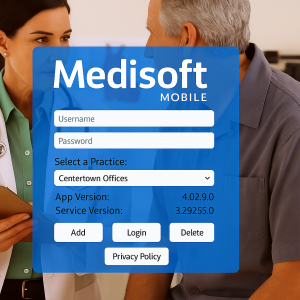
How to setup Medisoft Mobile v4.0 app for Windows
The Medisoft Mobile v4.0 App for Windows, now available with Medisoft v29, gives providers the freedom to manage patient data on-the-go using a Windows laptop or tablet.
